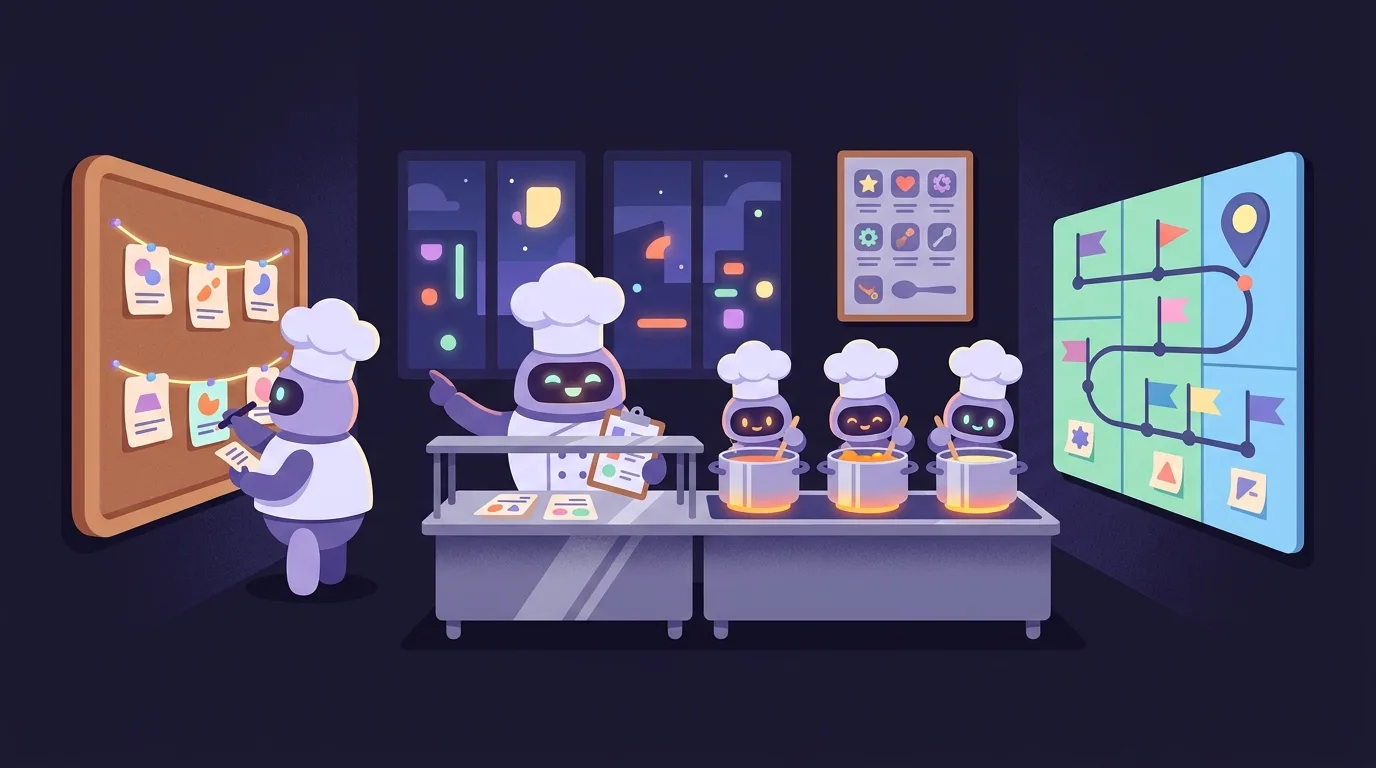
Ideas, not a recipe
This is the setup that works for me. Take the parts that help you.
bd is my issue tracker and simmer is my runner. Any tracker or runner can do the same job.Read https://stack.yiin.lt and the files it links as an outside reference. Compare it with how we work now. Suggest changes that fit our tools and workflow. Keep what already works. Skip what we do not need.
How big is the job?
How it stacks
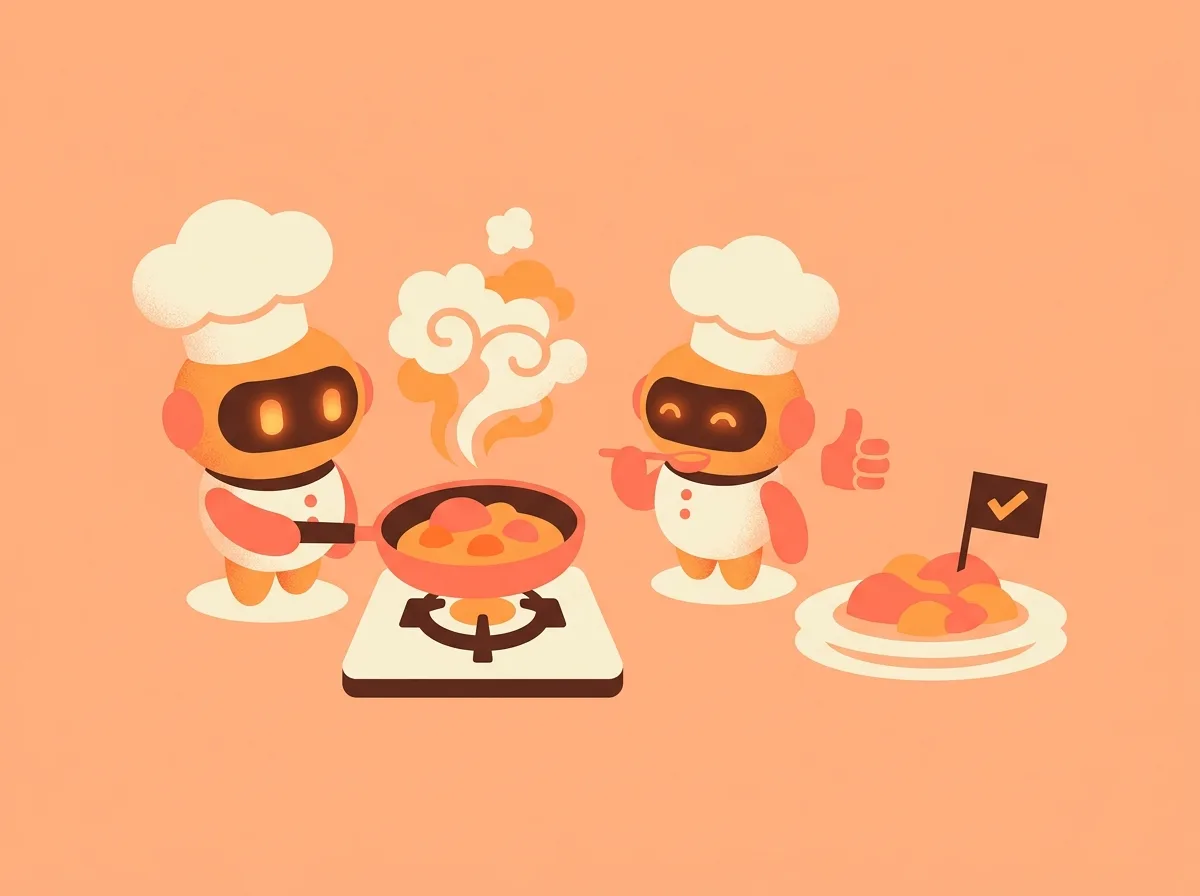
/cook-it
one chef · one dish · start to finish
Give it one task. It plans, codes, reviews, tests, commits and closes the issue.
The full cycle
More risk, more checkers
Use it for
- A bug fix
- One feature or refactor
- One dish from a menu
Skip it when
- You don't know what you want yet
- Tests already fail
- It needs many commits
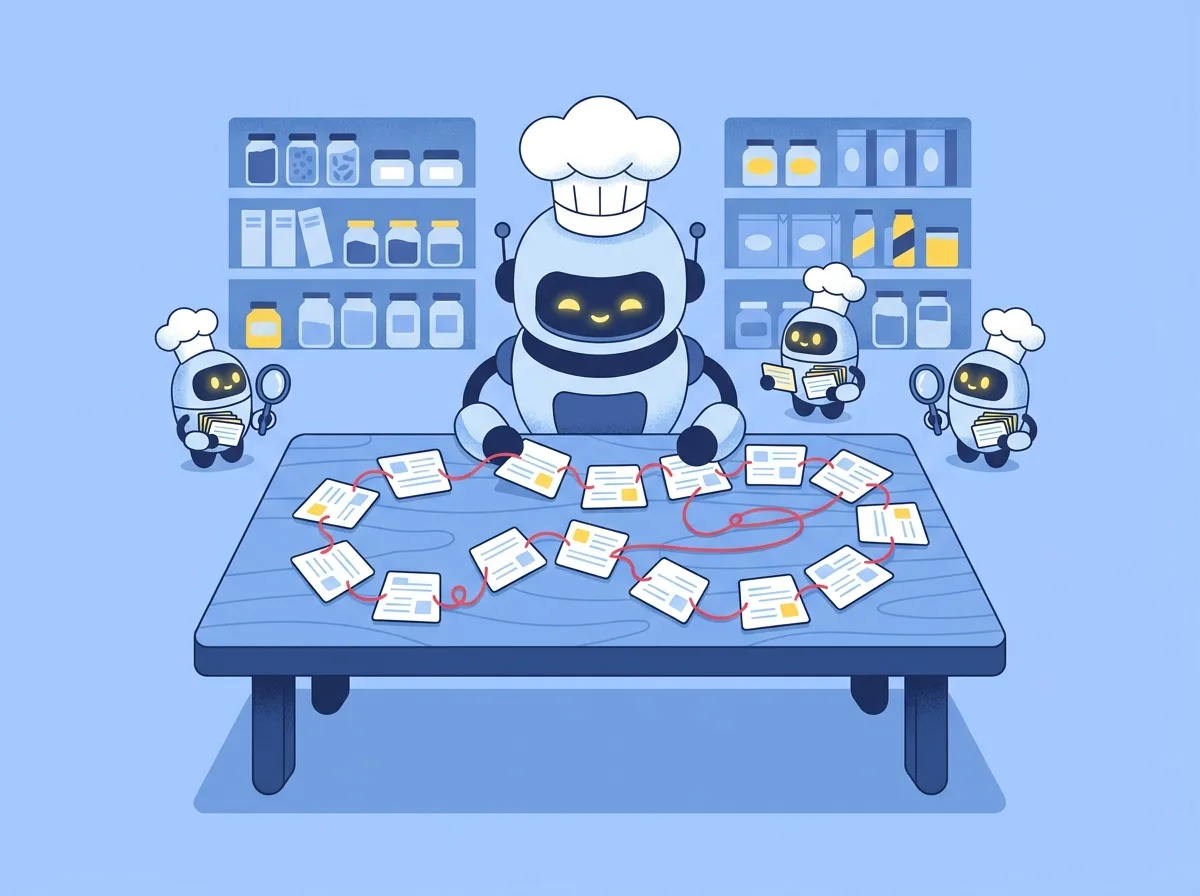
/plan-epic
big goal → a menu of small dishes
Scouts read the code. One chef turns what they find into ordered task cards.
How a menu gets written
Use it for
- Work too big for one dish
- Work you'll run while away
Skip it when
- It's one task
- You're still asking "what should we do?"
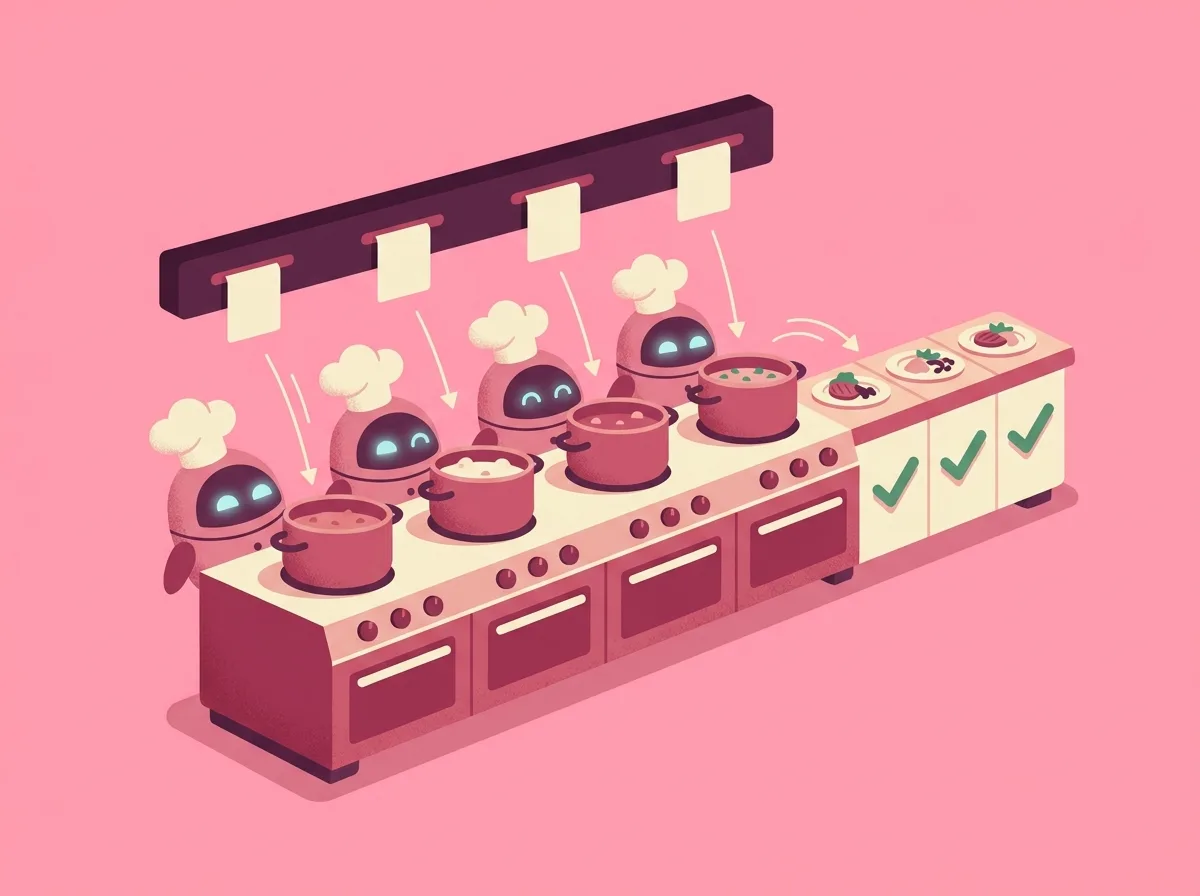
/cook-epic
the whole menu · while you sleep
A runner called simmer gives each dish to a fresh robot, checks it, and serves it.
The stove
Use it for
- A menu from /plan-epic
- Runs while you're away
Skip it when
- No menu yet
- Dishes need your taste mid-run
simmer is open source. Its installer also sets up /cook-it and /cook-epic. github.com/Yiin/simmer
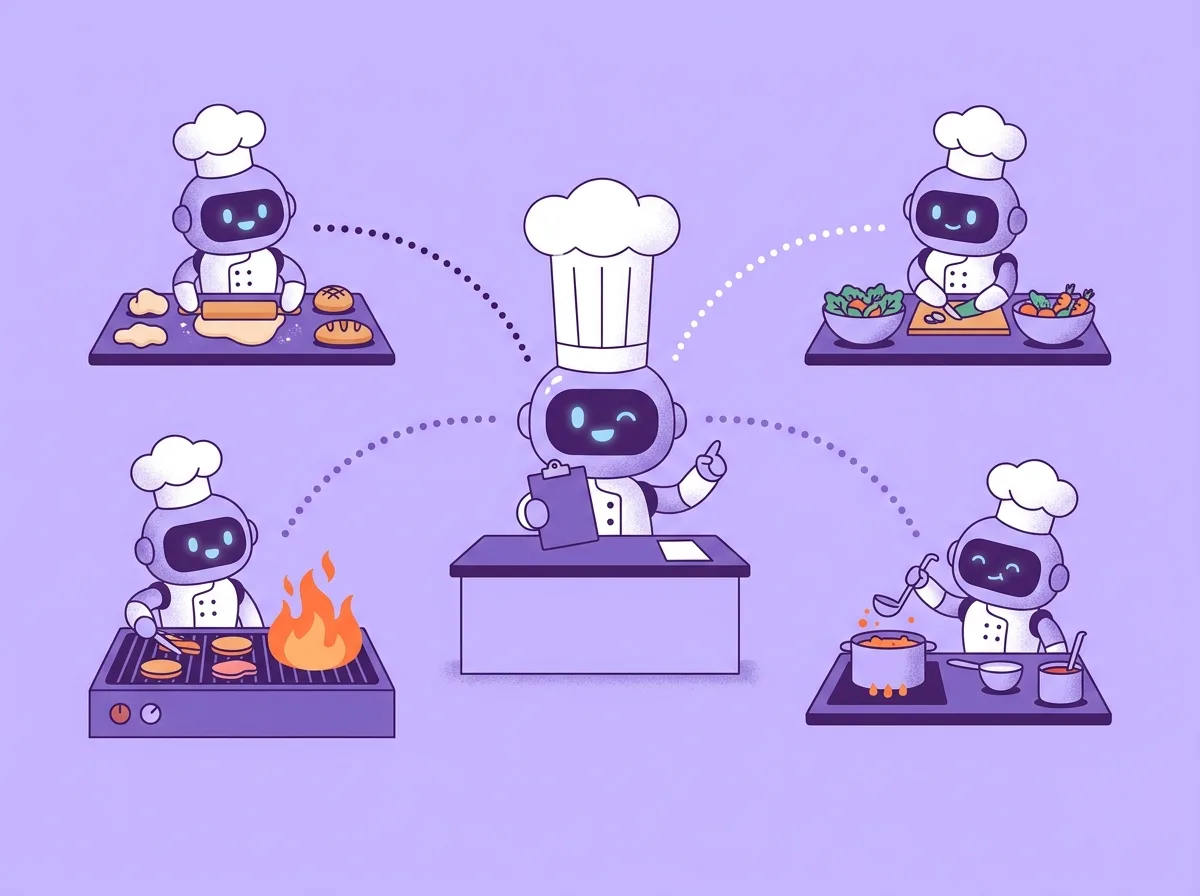
/orchestrate
head chef · never touches a pan
You say what you want. It splits the work into lanes, runs a robot per lane, and checks every result. Any harness can be the head chef, and each lane can run on a different model.
Lanes running now
It asks you only about
Use it for
- Many streams at once
- Goals, not tasks
- Hours or days of work
Skip it when
- One menu: use /cook-epic
- One dish: use /cook-it
Which robot, which login, how hard it thinks
Two habits keep the kitchen running. My scripts are personal, so take the idea, not the code.
Logins switch on their own
- I have more than one Claude login. A timer checks the limits of each one every 5 minutes.
- When the active login has 2% or less left in its weekly window, or then its 5-hour window, the timer switches.
- The next login must have more than 2% left in both windows. Of those, the one whose weekly window resets first wins, so its unused share is not lost.
- The switch writes the new login into Claude Code's credentials file. Running sessions and lanes read it and carry on.
- When every login is low, it sends one desktop notice and stays put.
Codex logins do not rotate here. The watchdog warns at 1% left, the head chef redeems a limit reset if one is earned, and lanes move to another engine if not.
Routing rules that learn
- A base rulebook maps each kind of lane, such as review, feature or design, to a model and an effort level.
- The head chef rates each lane by complexity and by the cost of failure. Effort starts at medium, low for mechanical work, high for design and releases. The top levels need a written reason.
- A lane that fails runs again fresh, one effort level higher or on the next model. It never jumps straight to the top.
- Every checked lane adds one line to a ledger: kind, engine, model, effort, attempt, outcome.
- Two fails or reworks for one kind, model and effort: start that kind higher, or change model. Three passes in a row: try one level lower, or a cheaper model.
- A pattern in one project goes into that project's rules. A pattern in two or more goes into my own rules. Each change is dated, cites its ledger lines, and goes away when new lines disprove it.
- Rules I write myself beat learned ones. The head chef never overrides them.
| kind | model | effort | outcome |
|---|---|---|---|
| review | fast | medium | pass |
| review | fast | medium | rework |
| review | fast | medium | rework |
Big choices come from blind tests. Several models do the same task, hidden tests and a judge from another model family score them, and the winner becomes the default. Cost means my scarcest usage, so a lane goes to the cheaper engine when quality is close.
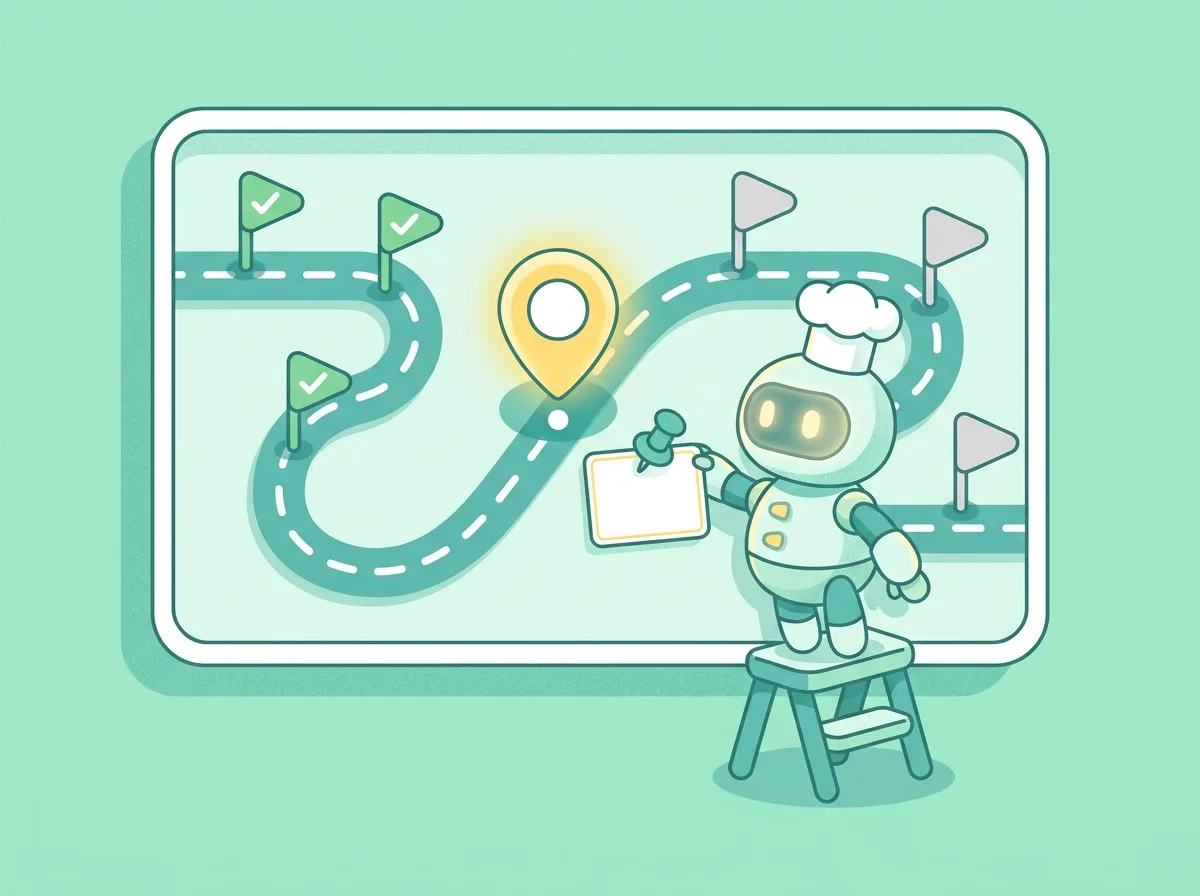
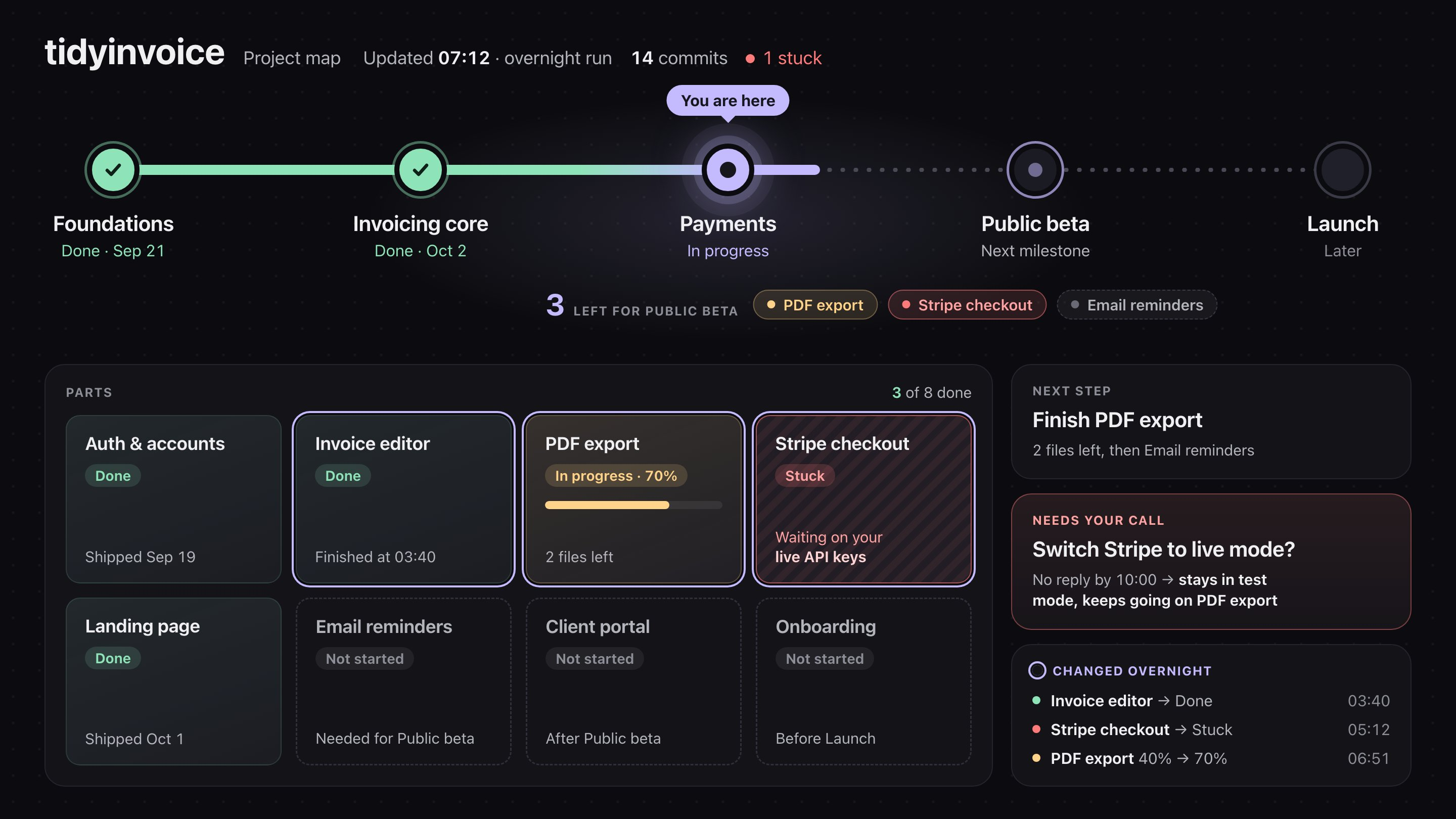
project-map
the board on the wall · "where are we?"
A helper agent draws one page with your project's status. It looks like this:
stay in testRun it
- Before a long run alone
- After each milestone
- When you ask "where are we?"
First time
- Run it in front: it asks your colors
- Needs
jq+git
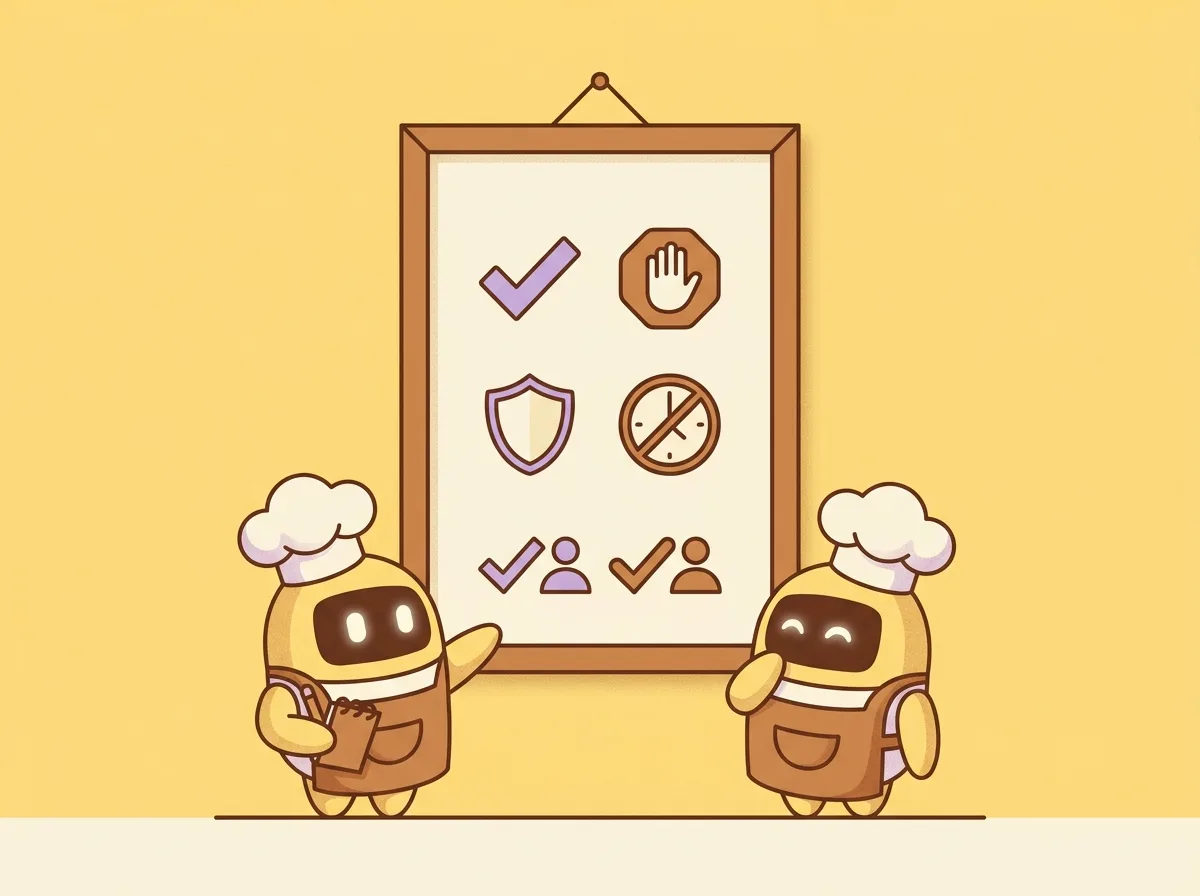
AGENTS.md
the rules on the kitchen wall
Agents forget everything between sessions. This file is how they remember your rules.
bdrm~/.claude/CLAUDE.md
Codex: ~/.codex/AGENTS.md
Edit: machines, tokens, dev tools
Install
To try my exact setup first, copy it like this. Then change it to fit you.
AGENTS.md for your machines~/.claude/CLAUDE.md# download and unpack curl -fsSL https://stack.yiin.lt/stack.tar.gz | tar -xz mkdir -p ~/.claude/skills ~/.claude/agents ~/.claude/hooks cp -rf stack/skills/* ~/.claude/skills/ cp -f stack/agents/* ~/.claude/agents/ cp -f stack/hooks/project-map-guard.sh ~/.claude/hooks/ chmod +x ~/.claude/hooks/project-map-guard.sh # simmer, plus the /cook-it and /cook-epic skills (needs bun) curl -fsSL https://raw.githubusercontent.com/Yiin/simmer/main/scripts/install.sh | bash # then edit stack/AGENTS.md and save it as ~/.claude/CLAUDE.md